
Download Freenet – Secure Anonymous Darknet Access Tool
Overview of Freenet
Freenet is a free, open‑source Java‑based application that gives users a gateway to the Darkweb, a portion of the internet that lives outside the reach of traditional search engines. Unlike mainstream browsers, Freenet does not simply hide your IP address; it builds a distributed, peer‑to‑peer network where traffic and content are constantly bounced between participating nodes. This design makes it extremely difficult for anyone—whether a government agency, ISP, or malicious actor—to trace who is accessing which piece of information.
When you launch Freenet, a tiny client icon appears in your system’s menu bar, allowing you to turn the network on or off with a single click. The software focuses exclusively on the Freenet ecosystem; it does not provide anonymous browsing of the regular “clearnet” like Tor does. During the initial setup, users can select from a range of security presets, from “Low” (faster speeds, less anonymity) to “Maximum” (slower speeds but the highest possible privacy, with strict cache‑clearing policies).
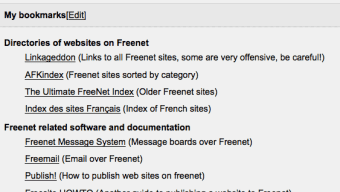
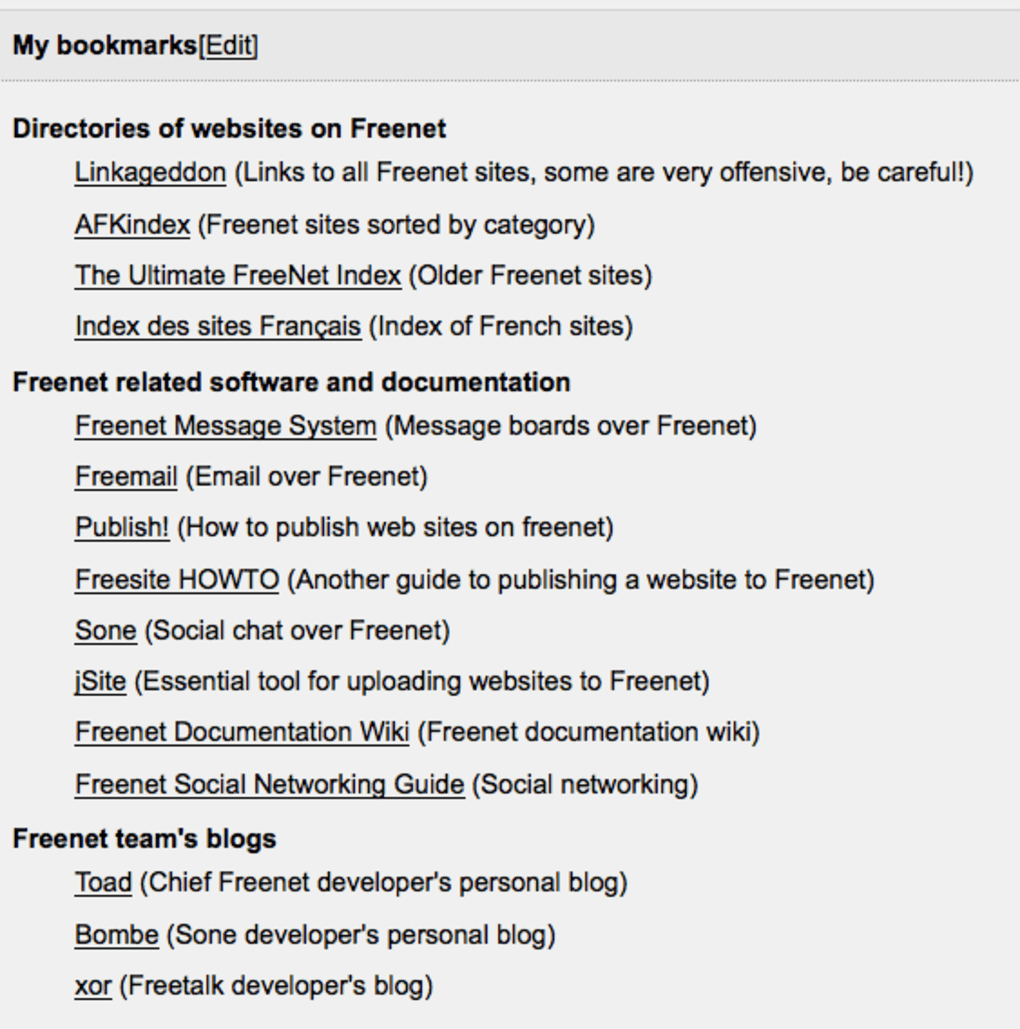
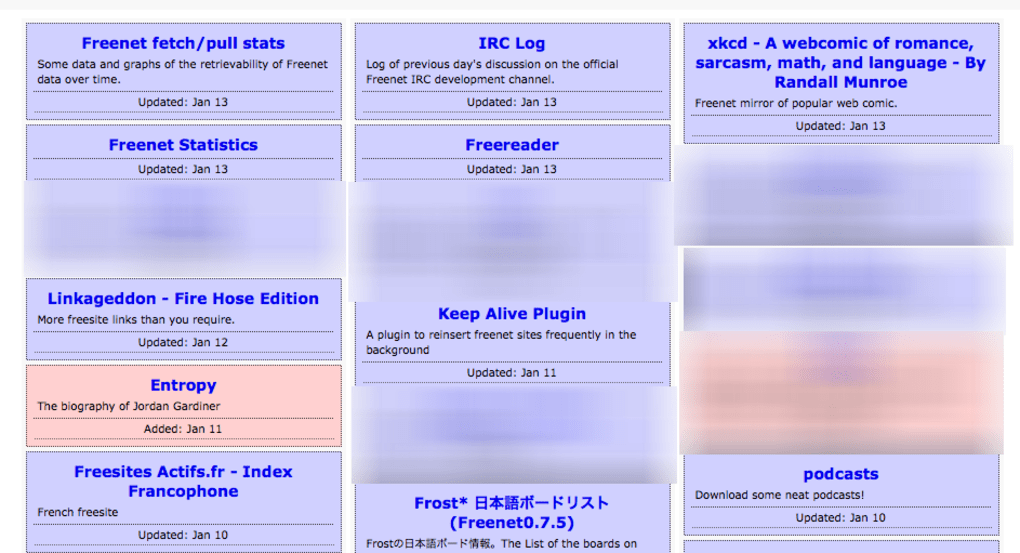
The first page you encounter after connecting is a simple list of hyperlinks, the most notable being “Linkageddon,” which serves as a primary portal to the vast collection of Freenet sites. A clear warning accompanies this link, reminding users that some content may be highly offensive or illegal. While the interface is intentionally minimalist—pages are essentially downloadable files that open slowly—it reflects Freenet’s core philosophy: a decentralized, censorship‑resistant repository of information that prioritizes user anonymity above all else.
Key Features of Freenet
- Decentralized Peer‑to‑Peer Architecture: Every node stores and forwards encrypted data, eliminating a single point of failure.
- Multi‑Level Security Settings: Choose between Low, Normal, High, and Maximum security presets to balance speed and anonymity.
- Cache‑Free Browsing (Maximum Mode): No residual files remain on your device, preventing forensic analysis.
- Java‑Based Cross‑Platform Compatibility: Runs on any operating system with a Java Runtime Environment (JRE), including Windows, macOS, Linux, and some Android devices.
- Menu‑Bar Integration: Quick access to start, stop, or adjust settings without leaving your current workflow.
- Content‑Addressed Storage: Files are identified by cryptographic hashes, ensuring data integrity and resistance to tampering.
- Open‑Source Transparency: The source code is publicly available, allowing security experts to audit and improve the software.
- Anonymous Publishing: Users can upload content without revealing their identity, supporting freedom of expression under repressive regimes.
- Low Bandwidth Footprint (When Configured): Adjustable bandwidth caps let users limit their impact on home or mobile connections.
- Built‑In Content Filters: Optional filters can block known illegal or harmful material, though they are not a guarantee.
Installation, Setup, and Everyday Use
Step‑by‑Step Installation
Installing Freenet is straightforward, but because it relies on Java, you must first ensure a compatible Java Runtime Environment (JRE) is present on your machine. Follow these steps:
- Download Java: Visit java.com and install the latest JRE for your operating system.
- Obtain Freenet: Navigate to the official Freenet website (https://freenetproject.org) and click the “Download” button for the appropriate installer (Windows .exe, macOS .dmg, Linux .tar.gz).
- Run the Installer: Execute the installer file. On Windows, you’ll be guided through a typical wizard; on macOS, drag the application into your Applications folder; on Linux, extract the archive and run the provided launch script.
- Initial Configuration: Upon first launch, Freenet asks you to choose a security level. For newcomers, “Normal” offers a balance between speed and privacy. If you need maximum anonymity, select “Maximum,” but be aware of slower performance.
- Allocate Disk Space: Freenet requires a local data store (default 1 GB). You can increase this if you plan to download larger files.
- Finalize Setup: After confirming settings, Freenet will start building connections with neighboring nodes. This process can take several minutes as the network discovers peers.
Using Freenet Day‑to‑Day
Once the client is running, a small icon appears in your system’s menu bar (or system tray). Clicking this icon opens a tiny control panel where you can:
- Toggle the network on or off.
- Switch security presets without restarting the application.
- View current bandwidth usage and connection statistics.
- Access the default browser (a lightweight built‑in viewer) that opens the first “welcome” page with links to popular Freenet sites.
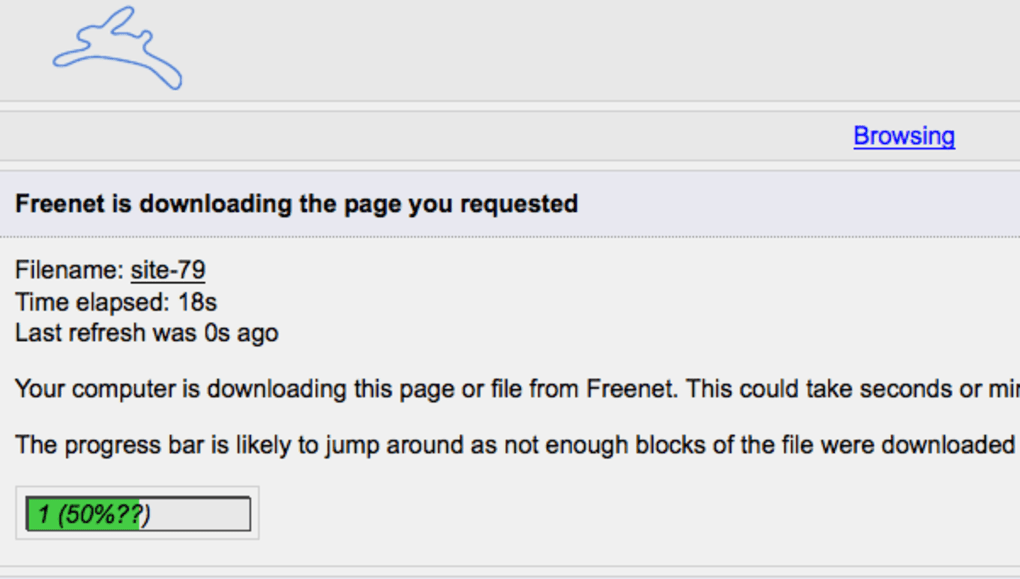
Navigation on Freenet is intentionally simple: each link you click triggers a download of the corresponding encrypted file. The file is then decrypted locally and displayed. Because the content is stored in a distributed cache, popular pages may load faster after the first request, while obscure sites can take several minutes to retrieve. Users should be patient and avoid refreshing repeatedly, as each request consumes additional bandwidth and may expose their node to increased traffic.
For power users, Freenet also supports command‑line options to adjust bandwidth caps, define custom data directories, or integrate with external browsers via the “Fproxy” interface. Detailed documentation is available on the official wiki and can be accessed directly from the client’s help menu.
Compatibility and System Requirements
Freenet runs on any platform that supports Java 8 or later. Officially supported operating systems include:
- Microsoft Windows 7, 8, 10, and 11 (64‑bit recommended)
- macOS 10.13 High Sierra and later
- Popular Linux distributions (Ubuntu, Debian, Fedora, Arch) – use the generic .tar.gz package
- Android devices (via Termux or custom Java runtime) – experimental and not officially supported
Minimum hardware requirements are modest: a dual‑core processor, 2 GB RAM, and at least 1 GB of free disk space for the local data store. Because Freenet encrypts and routes traffic through multiple peers, a stable internet connection with at least 500 KB/s upload speed is advisable for a decent browsing experience. Users on limited or metered connections should enable the built‑in bandwidth throttling feature to avoid unexpected data usage.
Pros and Cons of Freenet
Pros
- High Anonymity: Multi‑hop routing and encrypted storage make it extremely difficult to trace users or their activity.
- Decentralized Censorship Resistance: No central server means content cannot be taken down by a single authority.
- Open‑Source and Auditable: Transparency builds trust among privacy‑focused communities.
- Cross‑Platform: Java foundation ensures the same experience on Windows, macOS, and Linux.
- Configurable Security Levels: Users can balance speed and privacy based on their needs.
Cons
- Slow Performance at Maximum Security: High anonymity settings introduce noticeable latency.
- Limited User Interface: The minimalist design can feel outdated compared to modern browsers.
- Content Risks: The Darkweb hosts illegal and offensive material; users must exercise caution.
- No Clearnet Anonymity: Unlike Tor, Freenet does not hide regular web browsing.
- Java Dependency: Requires a separate JRE installation, which may be a hurdle for some users.
Frequently Asked Questions & Final Thoughts
Is Freenet safe to use on a home network?
Yes, Freenet is designed to protect your anonymity, but because it routes traffic through other users’ computers, you should keep your firewall enabled and avoid sharing sensitive files unrelated to the network.
Can I browse the regular internet anonymously with Freenet?
No. Freenet only provides access to sites hosted within its own distributed network. For anonymous clearnet browsing you would need a tool like Tor or a VPN.
What hardware resources does Freenet consume?
Freenet’s baseline requirements are modest (2 GB RAM, 1 GB disk). However, higher security levels increase CPU load and bandwidth usage because of additional encryption and multi‑hop routing.
Is there a risk of legal trouble for simply using Freenet?
Using Freenet itself is legal in most jurisdictions, but accessing or downloading illegal content can expose you to prosecution. Always respect local laws and avoid prohibited material.
How frequently is Freenet updated?
The development team releases a stable update roughly every 6‑12 months, with occasional minor patches for security and performance improvements.
Conclusion – Should You Download Freenet?
Freenet remains a unique, community‑driven project that delivers true decentralized anonymity for users who need to exchange information beyond the reach of censorship. Its strength lies in the robust peer‑to‑peer architecture, the ability to configure security levels, and the open‑source transparency that invites scrutiny from privacy experts. However, the trade‑off is a slower, less polished user experience and the inevitable exposure to illegal or disturbing content that thrives in unregulated spaces. If your primary goal is to explore the Darkweb for research, journalism, or to communicate under repressive regimes, Freenet offers a solid, free solution—provided you follow best practices: keep your system updated, use the maximum security setting when anonymity is critical, and stay aware of the legal landscape in your country.
Ready to protect your privacy and access the hidden corners of the internet? Download Freenet now and start building a more resilient, censorship‑free digital presence.
Freenet delivers a commendable blend of anonymity and censorship resistance, though its speed and UI lag behind modern alternatives. For users focused on secure, decentralized publishing, it remains a top‑choice free tool.
- Pros: High anonymity, open‑source, cross‑platform.
- Cons: Slow at max security, minimal UI, Java dependency.







